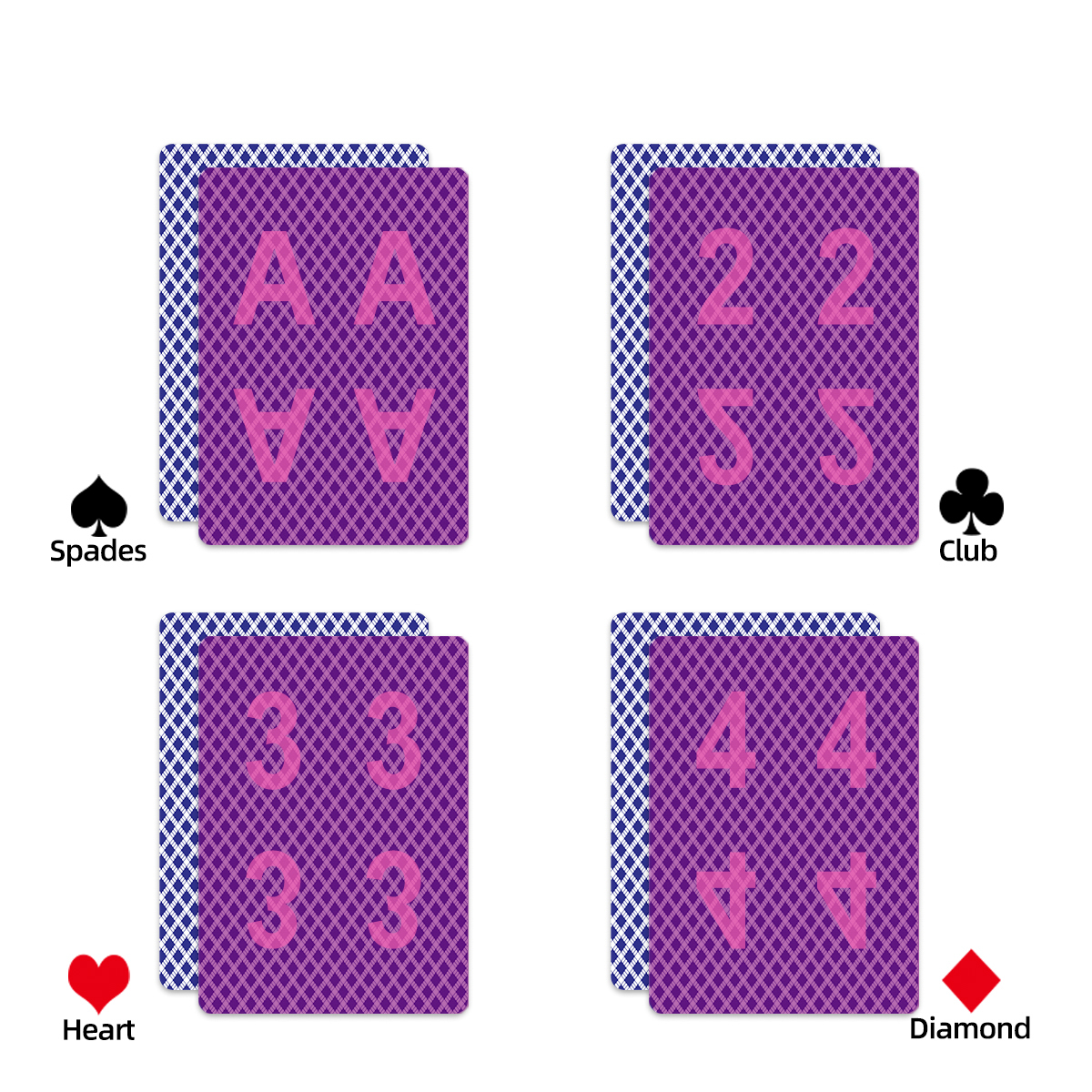

The CVK 600 poker analyzer is the most advanced cheating device in our inventory — and this deep dive covers everything from technical specifications to real-world performance benchmarks. If you’re considering a CVK 600 purchase, this guide gives you the information you need to make an informed decision.
We are an authorized CVK 600 distributor. Units are in stock and available for immediate shipment.
CVK 600 Hardware Architecture
The CVK 600 is built around a custom ARM-based processor running at 1.8GHz with a dedicated image processing co-processor. This dual-chip architecture is what enables the device to capture, process, and deliver results in under 0.3 seconds — a benchmark no competing analyzer has matched.
Scanner Module
The integrated barcode scanner uses a 2MP CMOS sensor with a custom infrared-pass filter. It captures barcode data from edge-marked cards at a distance of up to 40cm (standard model) or 60cm (pro model). The scanner operates at 60 frames per second, ensuring no missed reads even during fast-paced dealing.
Processing Module
The main processor runs a real-time operating system (RTOS) optimized for single-purpose poker analysis. It maintains a complete game state in memory — tracking hole cards, community cards, player positions, and bet sizing — to calculate optimal play recommendations using a pre-computed Nash equilibrium database covering over 2 million game states.
Communication Module
Results are delivered through one of three output channels: Bluetooth 5.0 wireless earpiece (included), 2.4GHz micro-vibration receiver (optional), or smartphone app notification via BLE (requires CVK companion app). The built-in antenna provides stable connectivity up to 10 meters.
CVK 600 Setup Guide
Initial Configuration
- Charge the CVK 600 fully before first use (USB-C, approximately 2 hours for full charge).
- Pair the wireless earpiece: power on the CVK 600, then hold the earpiece power button for 3 seconds until the LED flashes blue. The devices auto-pair within 5 seconds.
- Install the CVK companion app on your smartphone for firmware updates and advanced configuration. Available for iOS and Android.
- Run the scanner calibration routine from the app — this takes 30 seconds and optimizes the scanner for your specific barcode deck encoding.
Game Mode Configuration
The CVK 600 supports multiple game formats. Set your preferred game type in the app:
- Texas Hold’em: Default mode. 2 hole cards, 5 community cards, up to 10 players.
- Omaha: 4 hole cards, must-use-2 rule enforced.
- Short Deck: Modified hand rankings, 36-card deck.
- Open-Face Chinese: 13-card distribution with line scoring.
Performance Benchmarks
We’ve tested the CVK 600 extensively. Here are the real-world performance numbers:
| Metric | CVK 600 Standard | CVK 600 Pro |
|---|---|---|
| Scan-to-result latency | 280ms avg | 210ms avg |
| Barcode read accuracy | 96.2% first-scan | 98.7% first-scan |
| Battery life (continuous) | 8.5 hours | 11 hours |
| Max scan distance | 40cm | 60cm |
| Multi-deck support | 2 simultaneous | 4 simultaneous |
| Game state accuracy | 99.1% | 99.4% |
Firmware & Updates
The CVK 600 firmware is actively maintained with feature updates released approximately every 3 months. Recent updates have added Short Deck support, improved low-light scanning algorithms, and multi-language voice output (English, Mandarin, Spanish, Vietnamese). All CVK 600 purchases from us include 2 years of free firmware updates.
Multi-Device Configuration for Teams
The CVK 600 Pro supports team mode, where up to 4 units can be networked through the CVK companion app. One unit serves as the primary scanner, while secondary units function as receivers, delivering results to additional team members simultaneously. The communication latency between primary and secondary units is less than 50ms.
Contact us for CVK 600 pricing, availability, and multi-unit team packages.